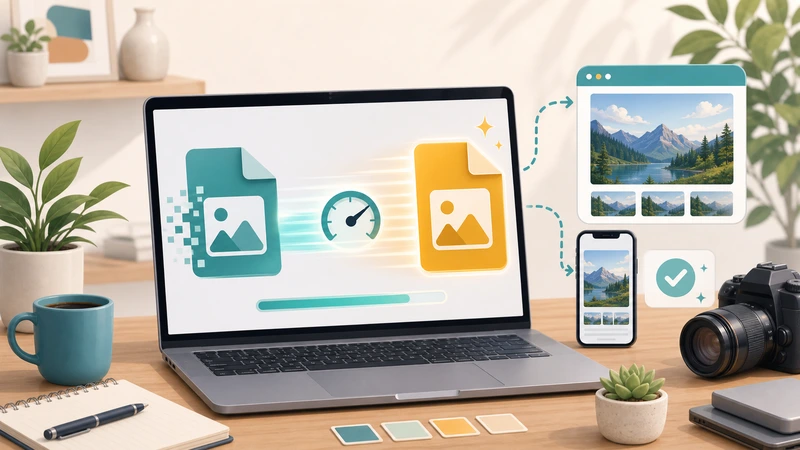
Sometimes the fastest workflow is not the most modern one. If an AVIF file is slowing down editing, uploading, review, or handoff, converting it to PNG may be the quickest practical fix.
That does not mean AVIF is a bad format. It means real workflows care about compatibility and momentum, not just theoretical efficiency.
If the question is “How do I keep moving?” rather than “How do I preserve the newest format possible?”, AVIF to PNG conversion can be the right call.
Why speed sometimes favors PNG
PNG is not smaller than AVIF, but it is often easier to push through mixed business and content workflows. That can make it faster in practice even when it is heavier on paper.
Speed in real work is not only about bytes. It is also about fewer failed uploads, fewer “can you resend that in another format?” messages, and fewer interruptions.
When conversion is the practical choice
- the destination platform handles PNG more reliably
- someone needs to edit or annotate the file quickly
- the asset needs transparent handling in a familiar format
- the current workflow has stalled because AVIF is inconvenient
These are not edge cases. They are normal workflow bottlenecks.
When not to convert
If the AVIF file already works perfectly in the final destination, converting may add steps without creating value.
The point is not to standardize everything to PNG. The point is to remove friction where friction actually exists.
What to do after conversion
Once the file is in PNG, decide whether it also needs compression. Many workflows become smoother after conversion but still benefit from a lighter file for upload or sharing.
That is why Format Converter and Compress Image often go together.
Common situations where this helps
- website content uploads
- presentation and documentation assets
- quick support or admin attachments
- client or teammate handoff where compatibility matters more than format purity
What people usually get wrong
Thinking smaller always means faster
Smaller files help delivery, but if the format slows down the surrounding workflow, the overall process can still be slower.
Converting automatically without checking the destination
The right question is whether the next tool, person, or platform benefits from PNG.
Stopping after conversion even when the file is still too heavy
Conversion and compression solve different problems. Sometimes you need both.
A practical decision rule
- Keep AVIF if the destination already supports it smoothly.
- Convert to PNG if compatibility or editability is blocking progress.
- Compress afterward if the PNG output is still heavier than the workflow prefers.
Frequently asked questions
Why would PNG be faster if AVIF is smaller?
Because workflow speed depends on compatibility and smooth handling too, not just file size.
Should I convert every AVIF file to PNG?
No. Only do it when the AVIF format is actually creating friction in the next step.
What should I do after converting to PNG?
Check whether the result also needs compression for upload, publishing, or sharing.
Can I do this quickly in a browser?
Yes. A browser-based conversion step is often enough for practical day-to-day image work.
Final takeaway
AVIF to PNG conversion is valuable when it removes friction from the workflow in front of you. If PNG helps the file move more easily through editing, uploading, or handoff, it may be the faster choice even if it is not the smallest one.
When that is the real problem, start with Filemazing Format Converter and compress afterward only if the resulting PNG still feels heavier than it should.