Mobile workflows are full of tradeoffs. The format that is technically efficient is not always the format that is easiest to work with on a phone.
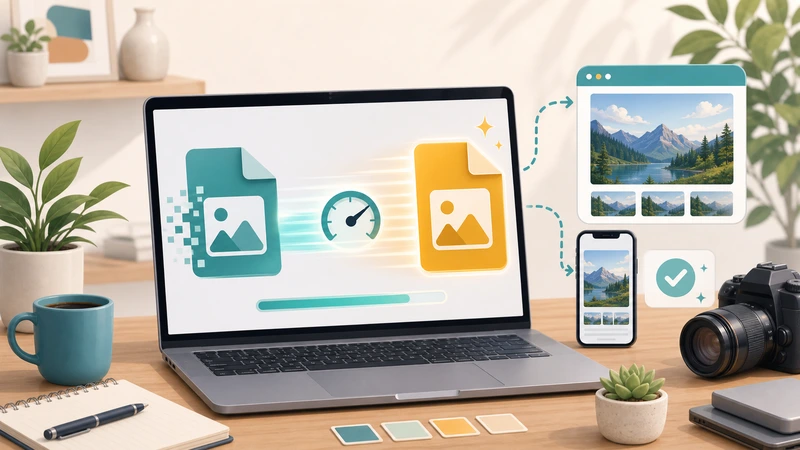
That is exactly why AVIF to PNG conversion can make sense on mobile. AVIF is strong for modern compression, but PNG is often easier when the next step involves quick editing, upload compatibility, transparent assets, or sending files to someone who just needs them to open cleanly.
If you are converting images from your phone, the real question is not “Which format is objectively better?” It is “Which format will make the next step easier?”
Why this comes up so often on phones
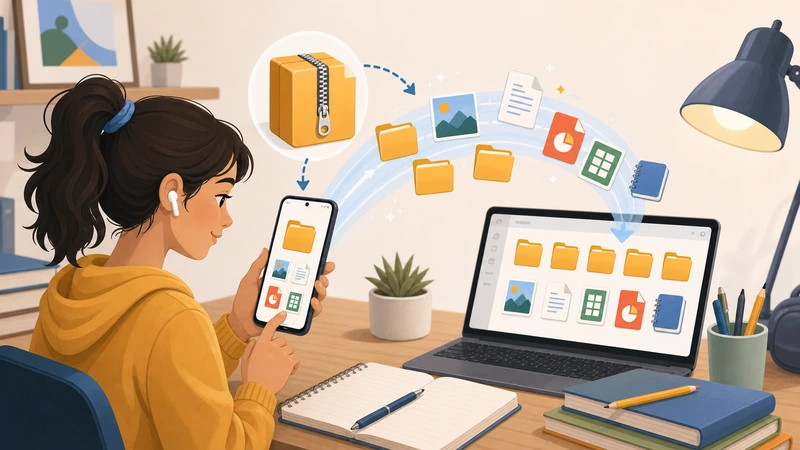
Phones are where many quick publishing and sharing decisions happen now. You receive an image, need to forward it, upload it, mark it up, or drop it into a CMS, and suddenly format compatibility matters more than technical elegance.
That is when AVIF can become inconvenient. Not because it is bad, but because the surrounding workflow may not be ready for it.
When PNG is the smarter mobile format
You need a safer handoff format
If the image is going to a teammate, client, or support system that may not love AVIF, PNG is often the safer choice.
You need transparency and predictable editing behavior
Mobile-friendly editing and annotation flows often feel more predictable with PNG.
You are dealing with business tools, not just browsers
The destination may be a chat system, admin panel, marketplace uploader, or document workflow, not a polished modern web renderer.
When not to convert
If the AVIF file already works perfectly in its final destination and the smaller size still helps, there may be no reason to convert it. Unnecessary conversion adds steps without creating value.
This is the part people often miss. Format conversion should remove friction, not create it.
A simple mobile decision rule
- Keep AVIF if the destination already supports it well.
- Convert to PNG if compatibility or editability is the real bottleneck.
- Compress afterward only if the PNG output becomes heavier than the workflow prefers.
That rule is much more useful than converting every file automatically.
How Filemazing fits this workflow
Use Format Converter when you need a quick browser-based path from AVIF to PNG on mobile. If the converted file then needs to be lighter for upload or publishing, follow it with Compress Image.
This two-step approach keeps the workflow logical: first solve format friction, then solve file-weight friction if it still exists.
Common mistakes
Converting because AVIF “sounds too modern”
That is not a good reason by itself. Convert only when the next step benefits from it.
Ignoring the size tradeoff
PNG may be easier to work with, but it can also be heavier. That is why compression sometimes belongs immediately after conversion.
Using one rule for every image
Product photos, UI screenshots, logos, and transparent graphics do not all need the same treatment.
Frequently asked questions
Why convert AVIF to PNG on a phone?
Usually for better compatibility, easier editing, or more predictable handling in the next app or platform.
Is PNG better than AVIF?
Not universally. It is simply better for some workflows, especially when compatibility matters more than file efficiency.
Should I compress the PNG afterward?
If the output feels too heavy for upload or publishing, yes, compression can be the next sensible step.
Can I do this without installing an app?
Yes. A browser-based conversion workflow is often enough for everyday mobile tasks.
Final takeaway
AVIF to PNG conversion on mobile is useful when it removes real workflow friction. The point is not to chase formats for their own sake. The point is to make the file easier to use where it is actually going next.
When that is the need, start with Filemazing Format Converter and only add compression afterward if the resulting PNG is heavier than you want.